A fold line marks where paper bends. A cut line removes material. Confusing the two can leave a card weakened or separated, so check line types in the design before sending it to a machine or cutting by hand.
Identify the line types
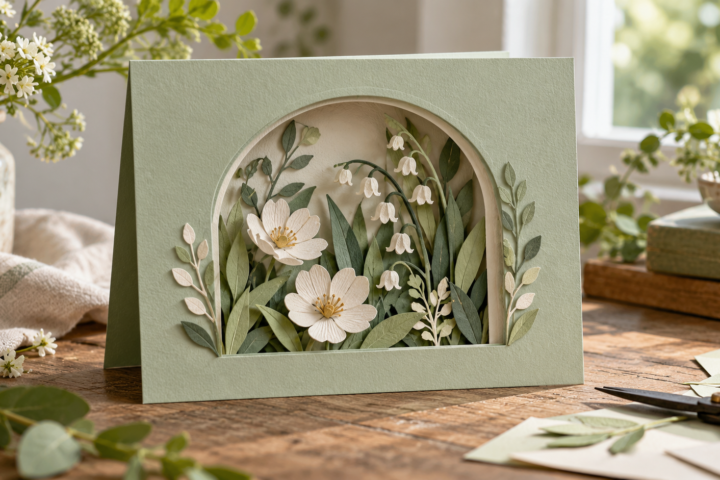
Look for separate layers or colors in the file preview. A card template may include an outer cut, interior windows and one or more score lines. Confirm which lines are meant to score or draw, then assign the correct operation in the cutting software.
Check the fold direction
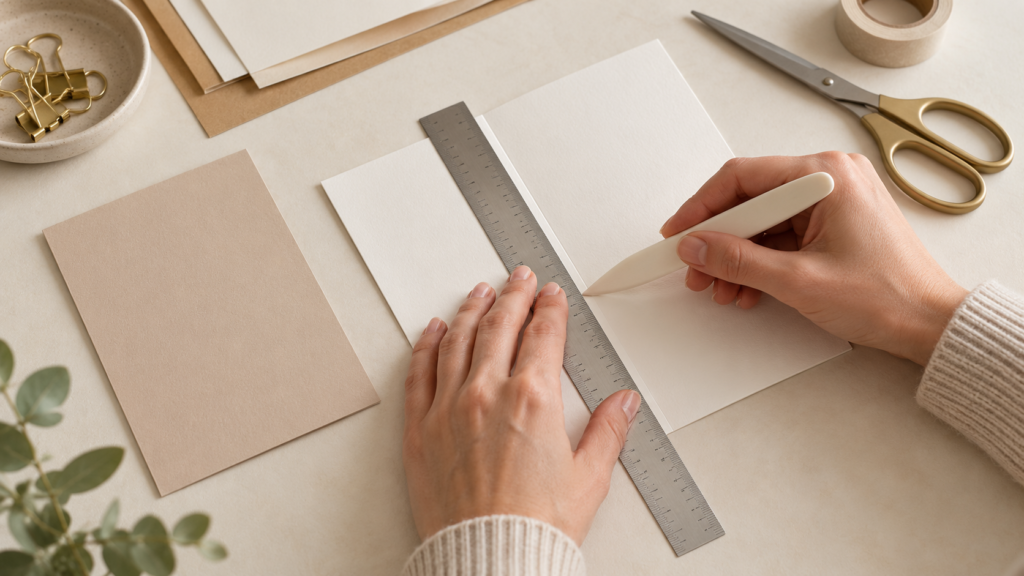
Mark the front of the card and decide which side of the fold should remain visible. Score on the side specified by the tool or template instructions, then fold along the crease. If the sheet has a coated finish, test the direction on a scrap because a fold can show surface cracking.
Keep the card aligned
Measure the folded size rather than the flat sheet. If the card has a window or insert, check their position after folding. The insert should cover the opening without crossing the crease or preventing the card from closing.
Use machine-specific instructions
Scoring tools, card mats and software operations differ by machine. Cricut’s support pages explain its scoring tools and card mats; follow the guide for your model rather than applying a setting from another cutter.
Test before cutting the final stock
Score and fold a plain-paper sample. Check that the fold is straight, the card closes and the front panel is not cut through. Then repeat the setup with the final cardstock, since weight and finish can change the result.
Fix common fold problems
- Fold splits: test a score line and fold direction on an offcut.
- Card does not close: check whether the insert or decoration crosses the crease.
- Panel is off-center: verify the flat layout and folded dimensions before cutting.