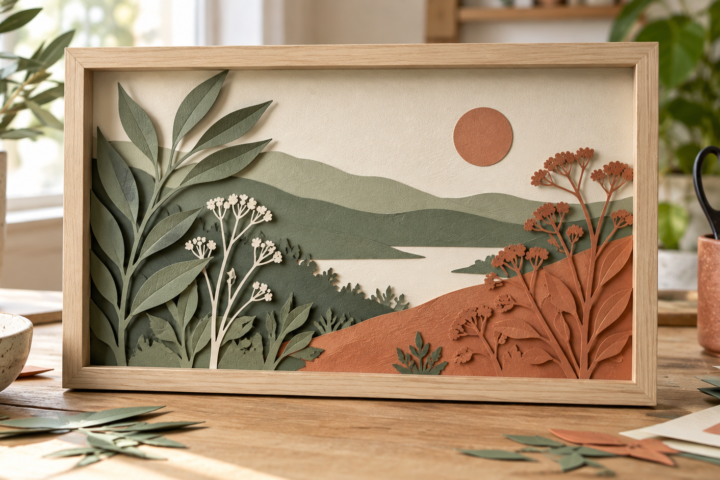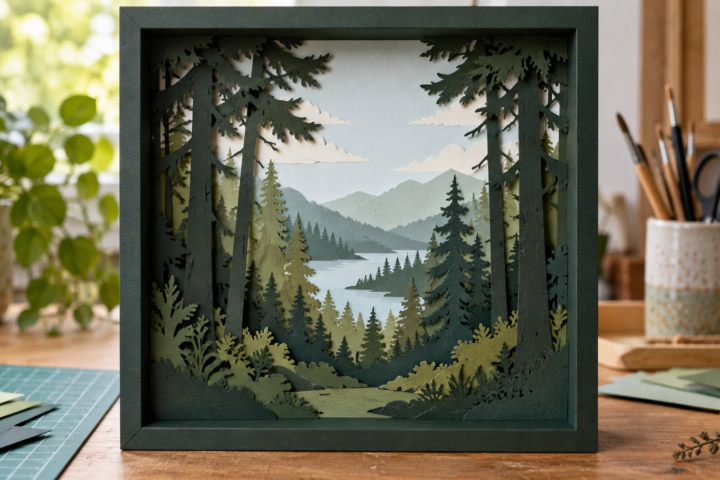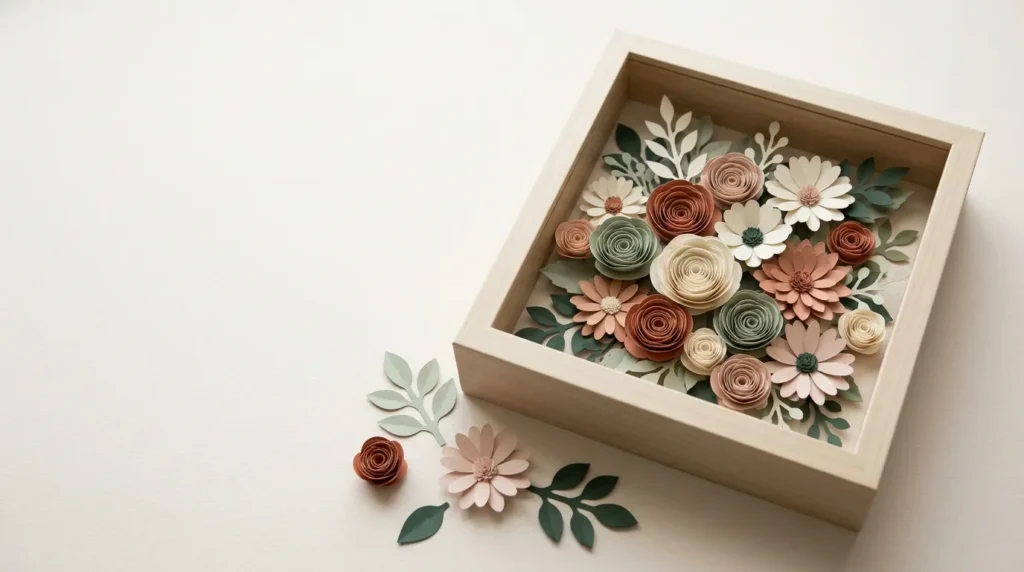
Choose rolled paper flowers when you want to build the bouquet yourself and change the color, size and arrangement. Choose a layered paper scene when you want a defined composition made from flat cut sheets with a stated finished size. Both can become a paper flower shadow box, but they ask for different decisions before the frame goes on the wall.
This comparison uses public product listings and published tutorials checked on October 16, 2026. No file mentioned here was bought, downloaded, cut or assembled for this guide. Prices, access paths, reviews and license wording can change.
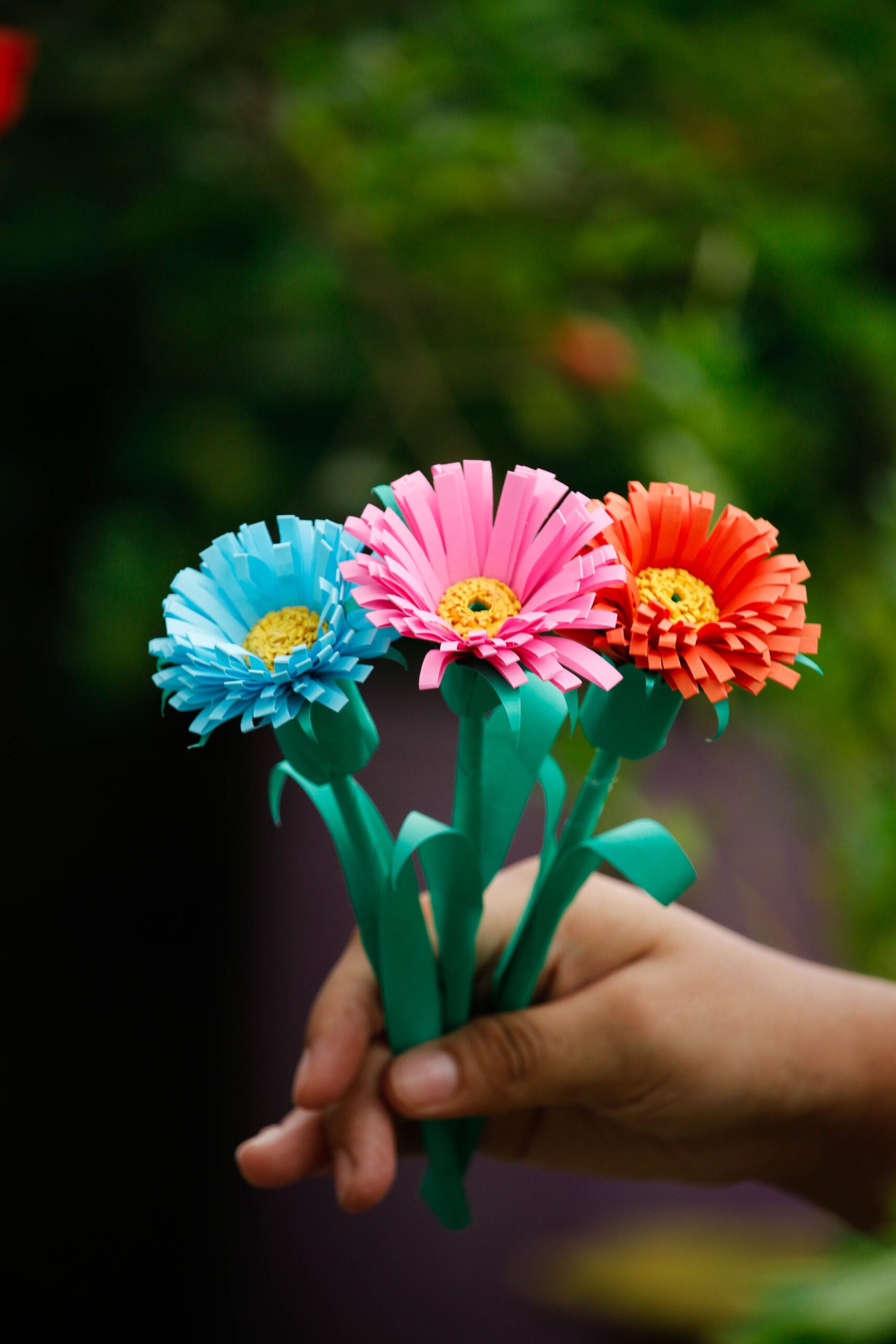
Rolled flowers and layered scenes make different kinds of shadow boxes
A rolled-flower design starts with individual flat shapes. You cut each spiral or petal pattern, roll or shape it into a bloom, then arrange the flowers on the backing. The final composition depends on flower sizes, spacing, color order and adhesive placement. The file gives you parts; it may not give you one finished layout.
A layered scene starts with flat sheets placed one behind another. Spacers create the relief, while the cut artwork defines the picture. The main planning questions are the design’s finished dimensions, layer order and depth in relation to the frame.
The terms overlap in search results. A listing tagged with paper flowers may be a rolled-flower template bundle, a fixed floral scene or a shadow-box frame template. Read the description for the construction type before comparing file counts.
Choose rolled flowers for arrangement freedom
Rolled flowers suit a reader who wants a fuller bouquet, a custom palette or flowers that can also be used outside a frame. You still need to decide how many blooms fill the opening, how large each finished flower should be and how the arrangement will stay clear of the glass.
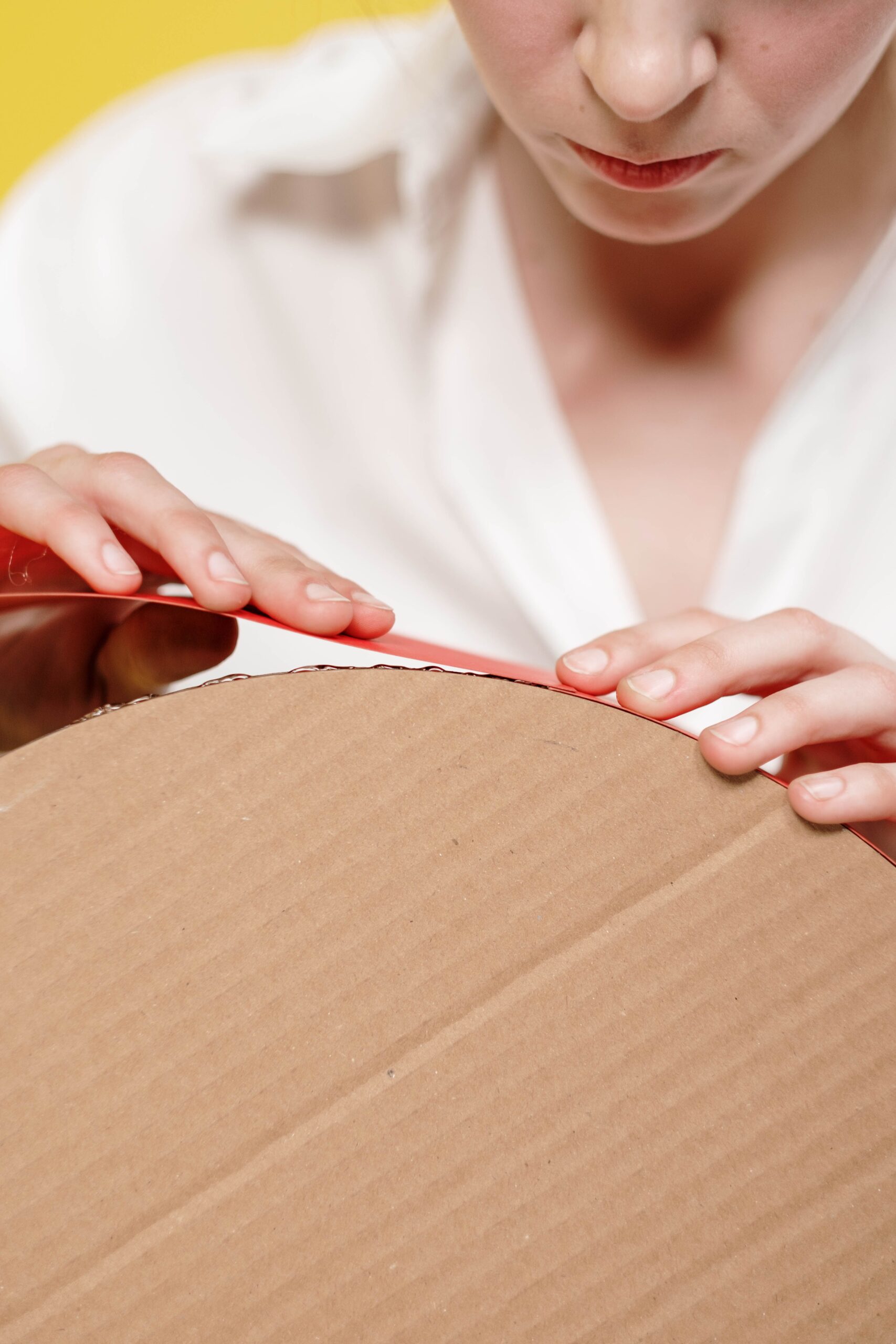
A Jennifer Maker tutorial gives one concrete example: a 9 × 9 inch shadow box uses 36 rolled flowers cut from 18 sheets of 65 lb cardstock. That is a recipe for that design, not a rule for every paper flower shadow box. It shows why a rolled-flower project needs a quantity and sizing plan before cutting.
The Creative Fabrica Rolled Paper Flower Templates SVG Bundle is the broad-template option in the current catalog. Its listing claims 100+ flower templates in SVG, PNG, DXF, EPS and PDF, plus printable assembly instructions. The same page shows a recent purchaser review saying that no instructions were included, and it states that the product is available through a subscription. Use it if you want a library of flower parts, but confirm the archive, instructions and access terms yourself.
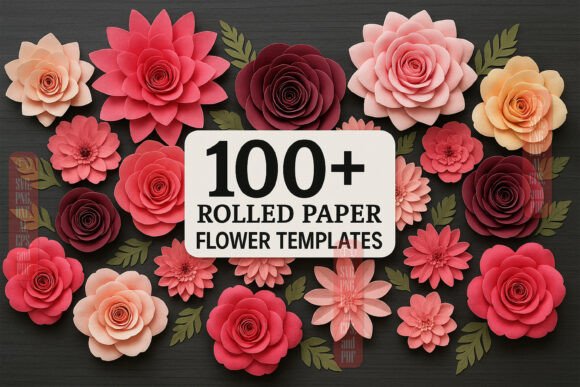
Rolled Paper Flower Templates SVG Bundle
A broad template library for a custom bouquet. Check the current formats, instructions, archive contents and access terms before buying.
For more ideas about placing rolled blooms around the home, see paper flower decor ideas. That guide covers display choices; this comparison is about the construction decision.
Choose a layered scene for a defined composition
A layered scene suits a reader who likes the arrangement shown in the preview and would rather follow a fixed picture than design a bouquet. The listing should state the finished size, the mat or sheet requirement, the layer order or a legend, and the frame type or depth when those details affect the build.
The Creative Fabrica Spring Reverie Paper Sculpture SVG listing describes a 9 × 9 inch project made for 12 × 12 inch cutting mats. It states that the download contains SVG files and a PDF legend, links to a step-by-step video, and names a 9 × 9 inch shadow box in the supply list. The page does not claim alternate cut formats such as DXF or PNG. Its public copy also shows both a free-download path and a separate single-purchase line, so check the current account and cart flow instead of assuming the access path.
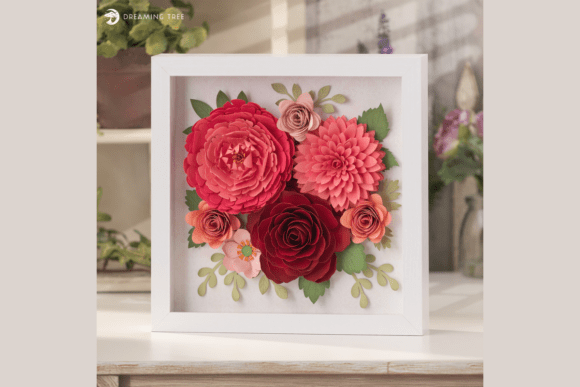
Spring Reverie Paper Sculpture SVG
A fixed layered composition with a stated 9 × 9 inch finished size and 12 × 12 inch mat requirement. Confirm the current access path and file details on the listing.
The tradeoff is less freedom to rearrange the scene. Replacing a flower or changing the composition can require editing the file. The archive was not inspected for this guide, so the listing claims are not a substitute for checking the actual download.
Check the file before you buy
Start with the software you will use. Cricut’s current help documentation lists SVG and DXF as vector upload formats. It also notes that DXF is not supported in Design Space for iOS and Android, and that PDF is not supported for image upload. Other cutting programs have different rules, so a bundle containing many extensions is not automatically more useful.
Then check what the file represents. A PNG may be a preview or a flat image; it is not the same as separate vector cut paths. A PDF may contain instructions, printable patterns or a legend. Look for the words that identify the actual cut files and confirm whether the flowers, background, frame inserts and lettering are included or shown only in the mockup.
Read the license separately from the project description. A page can mention personal and small-business use while the archive or current license adds conditions. Do not decide that a file is suitable for items you plan to sell until the license is clear.
For a broader format checklist, use the guide to choosing an SVG for paper crafts. For a general shadow-box buying check, see how to choose a shadow box SVG.
Match the design to the frame and cutting mat
Measure the frame’s clear opening and usable depth. Do not use the outer frame size as the artwork size. Rolled flowers need room for their height and for the arrangement to sit behind the glass. A layered scene needs room for its sheets, spacers, backing and any front trim.
Project-specific numbers show why a generic depth promise is risky. One five-sheet flower scene lists an 8 × 8 inch starting size and 17 mm of depth with 3 mm foam between sheets. That measurement belongs to that file. The Spring Reverie listing gives a 9 × 9 inch finished dimension, while the Mandala Shadow Box listing gives 200 × 200 mm. Compare the number on the exact page you plan to use with your own frame.
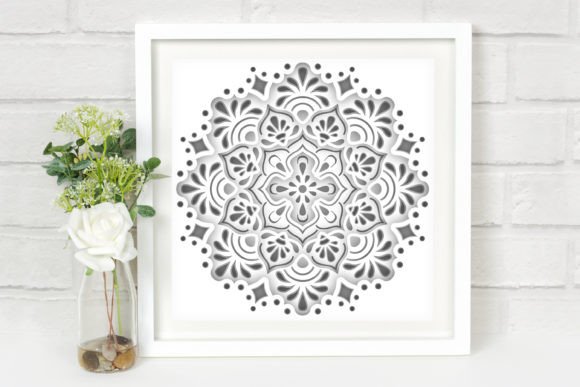
Mandala Shadow Box SVG
Use this listing as a comparison point for stated finished dimensions and layer-based depth. The numbers belong to that file, not to every shadow-box design.
Check the largest cut against your mat as well. The Spring Reverie project is specified for 12 × 12 inch mats even though its finished dimension is 9 × 9 inches. Resizing changes small bridges, gaps and lettering, so do not assume that a design will remain easy to cut at a new scale.
A short decision checklist
- Choose rolled flowers if you want to arrange individual blooms and accept more assembly decisions.
- Choose a layered scene if you want a defined picture with a stated finished size and layer-based depth.
- Confirm the cut format your software supports, including mobile limits if you use an app.
- Compare the finished size with the frame’s clear opening and usable depth.
- Check the mat requirement before resizing or cutting.
- Look for a legend, diagram, video or written instructions, then compare that claim with recent reviews.
- Read the current license and cart wording. A free label can sit beside a trial or subscription path.
Your decision comes down to construction, frame fit and the information on the current listing. Pick the format that matches the amount of arranging you want to do, then confirm the dimensions and license before you buy.
Disclosure: This guide includes links to Creative Fabrica listings. Frame & Layer may earn a commission from some links at no extra cost to you. Product details and access terms can change, so check the current listing before you act.