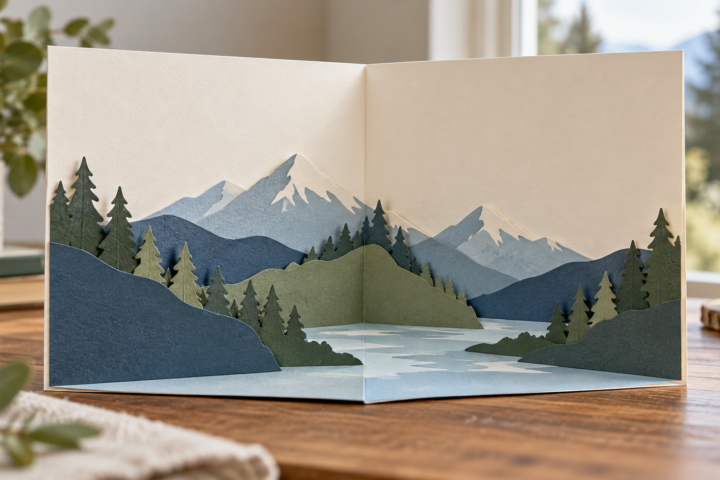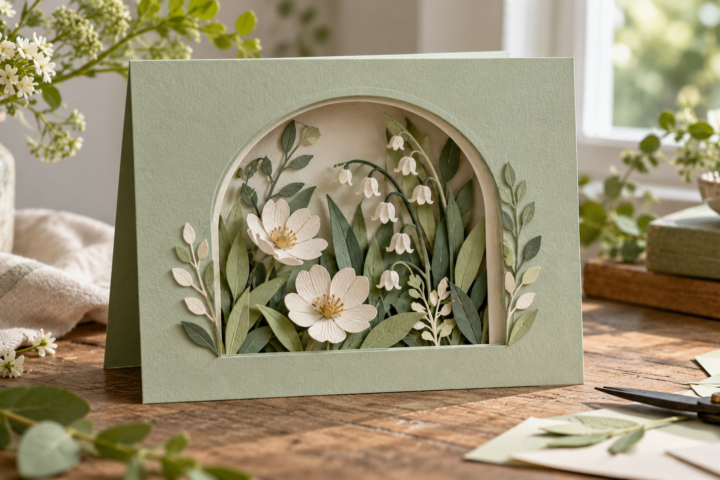
Paper wedding place card ideas become easier to choose when you separate the card’s job from its decoration. A place card can identify a specific seat, while an escort card usually directs a guest to a table. Folded tents, flat cards, layered panels, tied tags, and small functional details can all work when the name area remains clear. For related paper decisions, compare card structures and cut files and review the cardstock guide before choosing the final stock.
Decide whether the card assigns a seat or a table
Write down the information the guest must receive. A place card may need a name, table number, meal symbol, or short note. An escort card may need a name and table assignment but no exact seat. The distinction changes the amount of text and the location where the card will be displayed.
If the event uses both, keep their type and color system related while making their jobs visually obvious. An entrance display can use larger names or grouped table labels. A card at the plate can stay smaller and focus on the guest’s name.
Choose the display format
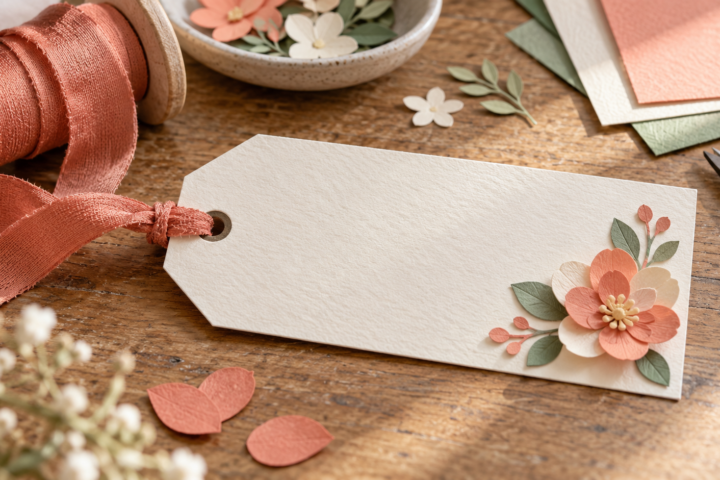
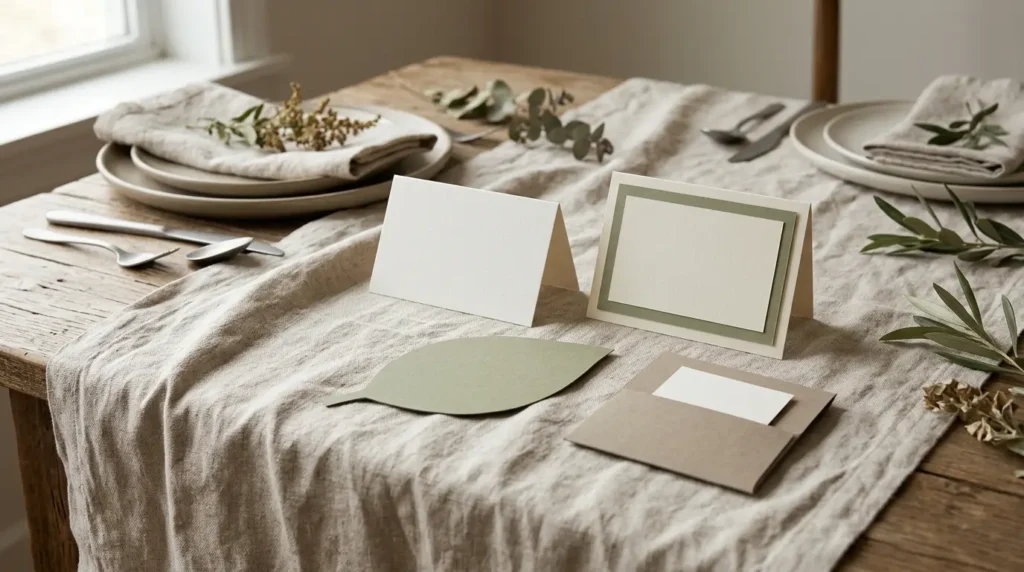
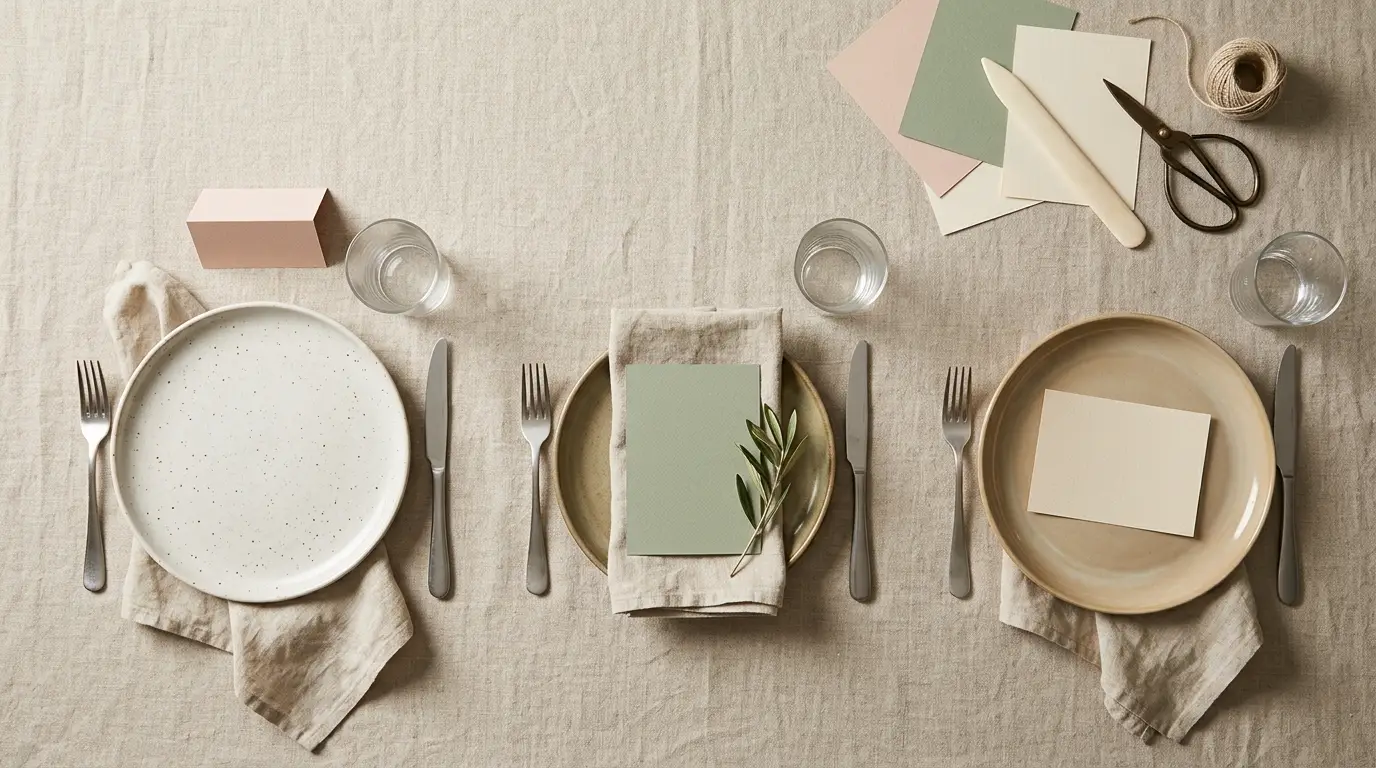
A folded tent card is useful when the card must stand on a plate or table. A flat card can sit on a napkin, in a clip, under a ribbon, or inside a holder. A layered card adds a border or frame around the name panel. A tied tag can attach to a favor, napkin band, or small paper object.
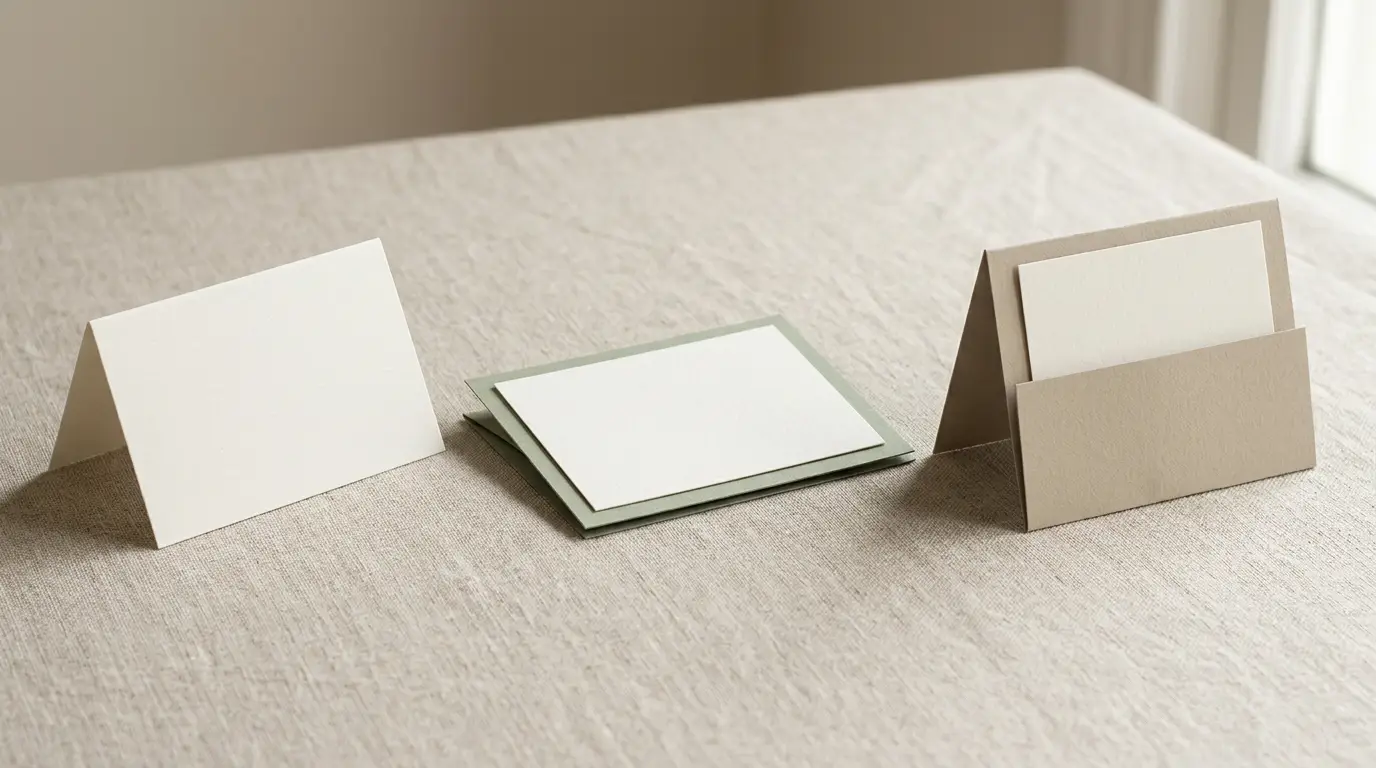
Planning.wedding describes folded cards as self-standing and flat cards as dependent on a holder or placement. Use that distinction when measuring the setting. A card that looks good in a flat lay may slide away from the plate once the table is set.
Reserve the writing area first
Place the longest guest name, table number, and any meal mark into the draft layout before adding a frame or motif. Check the name at the distance where guests will read it, then look at the card beside the menu and table number.
Layered decoration should frame the information rather than compete with it. LCI Paper’s place-card method separates a scored base from a printable top layer and recommends checking the printer’s paper handling and alignment. That approach also works for a small decorative border or patterned strip.
Coordinate the whole stationery suite
Choose the heading type, detail type, ink color, and one paper accent across the place card, menu, table number, seating chart, and welcome sign. A place card does not need to copy the larger pieces, but it should share enough structure that the table reads as one set.
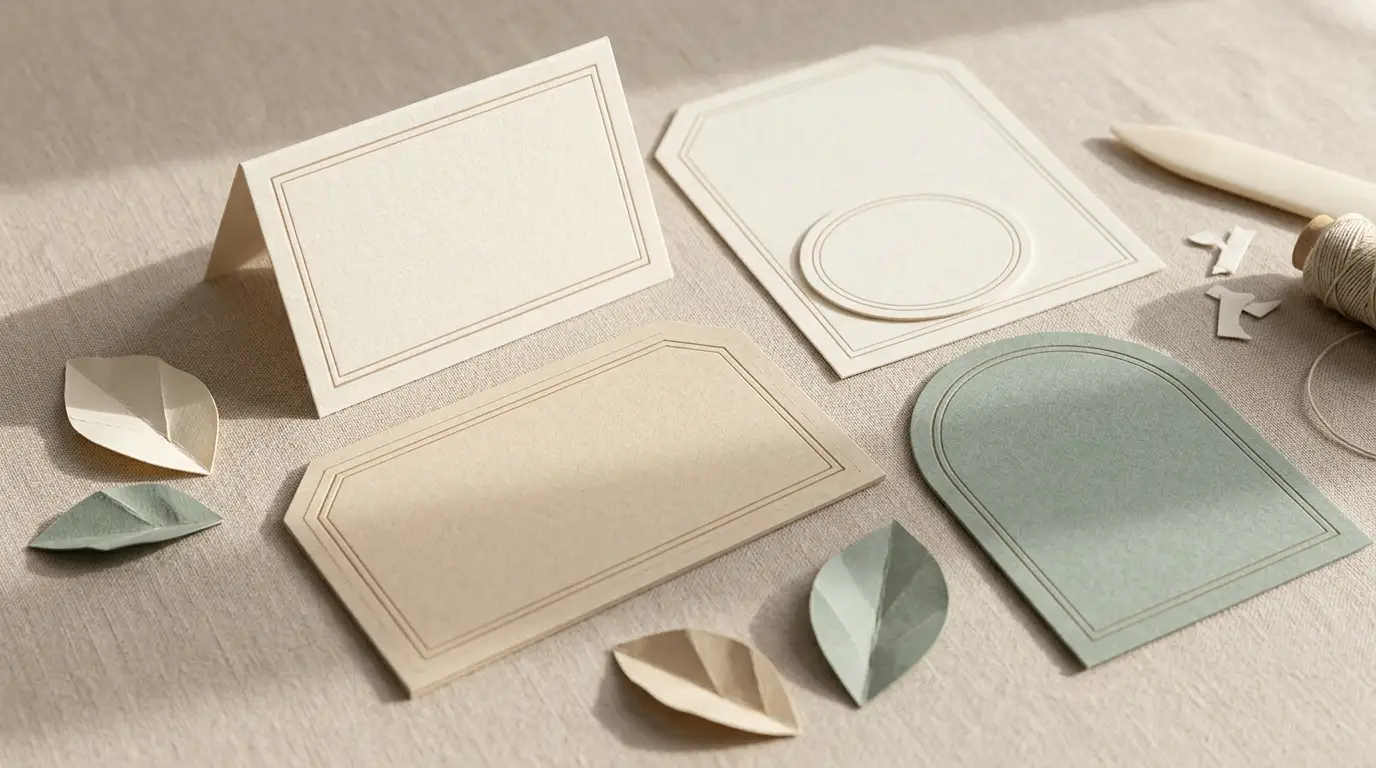
Use the same motif at different scales. A large leaf on the seating chart can become a small corner cut on the place card. A colored border can reappear as a thin band. Keep the smallest cards simpler because they have less room for layered detail.
Proof the print, fold, and finish
Make one complete card on the chosen stock. Print the longest name and the smallest information. Check whether the printer feeds the paper, whether the ink dries cleanly, and whether the fold lands where the design expects it. If the card has a second layer, check that its edges align after the base is folded.
Use the score-versus-cut guide when the template includes fold lines. A fold should remain a fold after the piece is cut, and a score that is too close to a printed border can change how the front panel sits.
Sort names before assembly
Keep the guest list grouped by table and mark the table group on the storage envelope. Assemble one table at a time, then compare the finished stack with the seating list. If cards have identical fronts, add a small note or mark to the reverse so the setup team can identify the table without turning every card over.
Keep a few blank or spare cards if the event may have late changes. Do not print the entire run until the wording, table assignments, and meal information are approved.
Common mistakes
- Using a place card when the event only needs table directions, or the reverse.
- Leaving too little room for long names or meal information.
- Choosing a flat format without deciding how it will stay in place.
- Printing the full guest list before testing the stock, fold, and printer feed.